

What is a QR menu and how does it work?
A QR menu (also called a QR code menu or digital menu) is the online version of a printed menu. It works simply:
- The guest scans the QR code on the table with their phone.
- The digital menu opens on the phone, with no app to download.
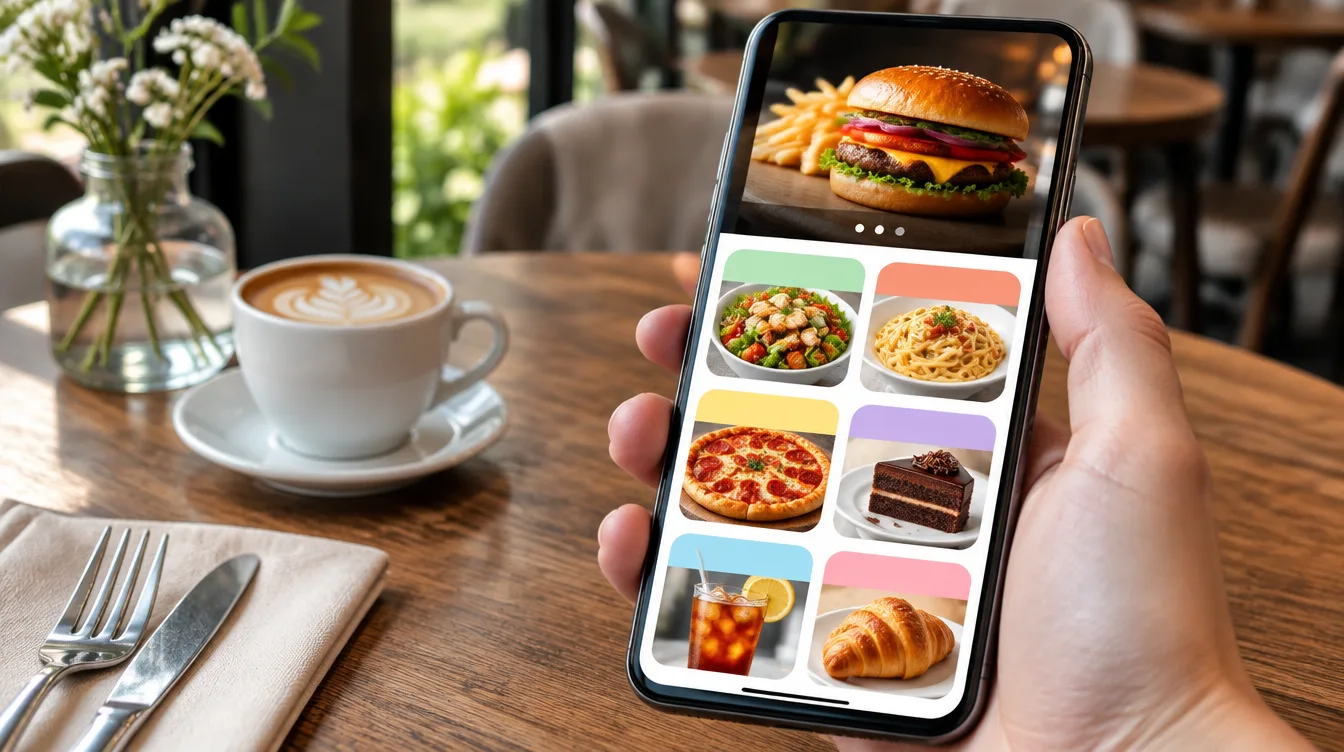
- The guest browses categories and sees product photos, ingredients, allergen information and prices.
- The business publishes every menu change instantly from the admin panel.
QR codes in Biolink TR are dynamic: the code stays the same while the menu behind it changes. So even when the menu is updated, the QR code on the table keeps working.
Biolink TR QR menu features
- Menu categories: easy browsing with sections such as breakfast, mains, desserts and drinks.
- Photos, allergens and prices: high-quality product images, descriptions, allergens and prices for every item.
- Hide sold-out items with one tap: remove an item from the menu the moment it runs out.
- Multilingual menu: show the menu in other languages for international guests.
- Your own branding: a branded QR code and menu page with your logo and colours.
- Scan analytics: see live when and how often the QR code is scanned.
- One panel: menu, bio link page, Wi-Fi QR code and Google review QR code in the same account.
Benefits of a QR menu for your business
- No printing costs: the menu is not reprinted when prices or products change.
- Instant updates: promotions, today's specials or price changes go live within minutes.
- Contactless and hygienic: no printed menus passing from hand to hand.
- More appetising presentation: photos help guests decide.
- Saves waiters' time: most menu questions are answered by the digital menu.
- Easier for international guests: with a multilingual menu, tourists order in their own language.
Which businesses is a QR menu for?
A QR menu system suits restaurants, cafés, patisseries, bars, hotels and hotel rooms, beach and pool bars, hookah lounges and any business with food service. You can offer different menus with separate QR codes: a room service menu in a hotel, a daily dessert list in a café or a wine list in a restaurant.
Creating a QR menu: how it works in 4 steps
- Menu details: we collect your categories, products, prices and any product photos.
- Design: we style the menu with your logo and colours.
- QR codes: we create branded, print-ready QR codes for tables, the entrance and the till.
- Launch and training: we publish the menu and show you how to update products and prices from the panel.
No technical knowledge is needed. If you prefer, you can also create your menu yourself with the Biolink TR QR menu software.

What determines the cost of a QR menu?
The cost depends on whether you set it up yourself or leave the setup to us. The main factors are:
- The Biolink TR plan you choose
- Number of products and categories on the menu
- Whether product photos are shot in our studio
- How many languages the menu is published in
- Design and printing of table QR codes
You can see current plans on biolinktr.com and ask us for a quote for the setup service.
QR menus in Eskişehir
For restaurants and cafés in Eskişehir, we manage QR menu setup from our office in Odunpazarı. We can shoot menu photos in our studio or at your venue and, in a city with many students and visitors, easily publish a multilingual menu. Businesses anywhere in Türkiye can use Biolink TR online.
Services that complement a QR menu
- Studio and product photography: appetising food and drink photos for your menu.
- Social media management: content and ads for restaurants and cafés.
- Corporate identity: a consistent brand look on menus, signage and packaging.
Let's set up your QR menu together
Send us your menu and we will prepare a QR menu for your brand, or create it yourself on biolinktr.com. Fill in the form or call us on +90 507 504 26 26.
Frequently asked questions
Is a QR code menu the same as a QR menu?
+
Yes. QR menu, QR code menu and digital menu describe the same system.
Do I need to reprint the QR code when I update the menu?
+
No. QR codes in Biolink TR are dynamic; even if you change the menu, the QR code on the table stays the same.
Does a QR menu work on all phones?
+
Yes. Any smartphone with a camera can scan the code, and the menu opens in the browser, so no app is needed.
Can a QR menu take orders?
+
The Biolink TR QR menu is designed to display your menu. For takeaway, you can take orders via WhatsApp through a product page.
Can I use my brand colours and logo?
+
Yes. The QR code and menu page are prepared with your logo and corporate colours.
Can I update the menu myself?
+
Yes. From the panel you can change products, prices and photos yourself and hide sold-out items with one tap.
Can I create more than one menu?
+
Yes. You can create separate menus and QR codes for food, drinks, room service or different branches.
Is a QR menu mandatory?
+
A QR menu is an option and a convenience. Since some guests prefer a printed menu, we recommend keeping a few printed copies too.